Ripper Casino puts 4,000+ pokies, live dealer tables and jackpots straight in your pocket. The mobile app delivers full access to games, banking and daily cashback without eating your storage or dragging you through a complicated install. Australian players get the same A$7,500 welcome package on mobile as on desktop, with deposits, withdrawals and bonus claims running through the same secure AUD infrastructure. Download it in under a minute and start spinning.
The app runs on Android and iOS, with a different install path on each. Android players download the APK directly from the Ripper Casino site, while iOS players add a progressive web app to the home screen through Safari. Both versions carry full functionality — live chat, PayID and Osko deposits, game filters and the complete lobby — so nothing is stripped out depending on which phone you carry.
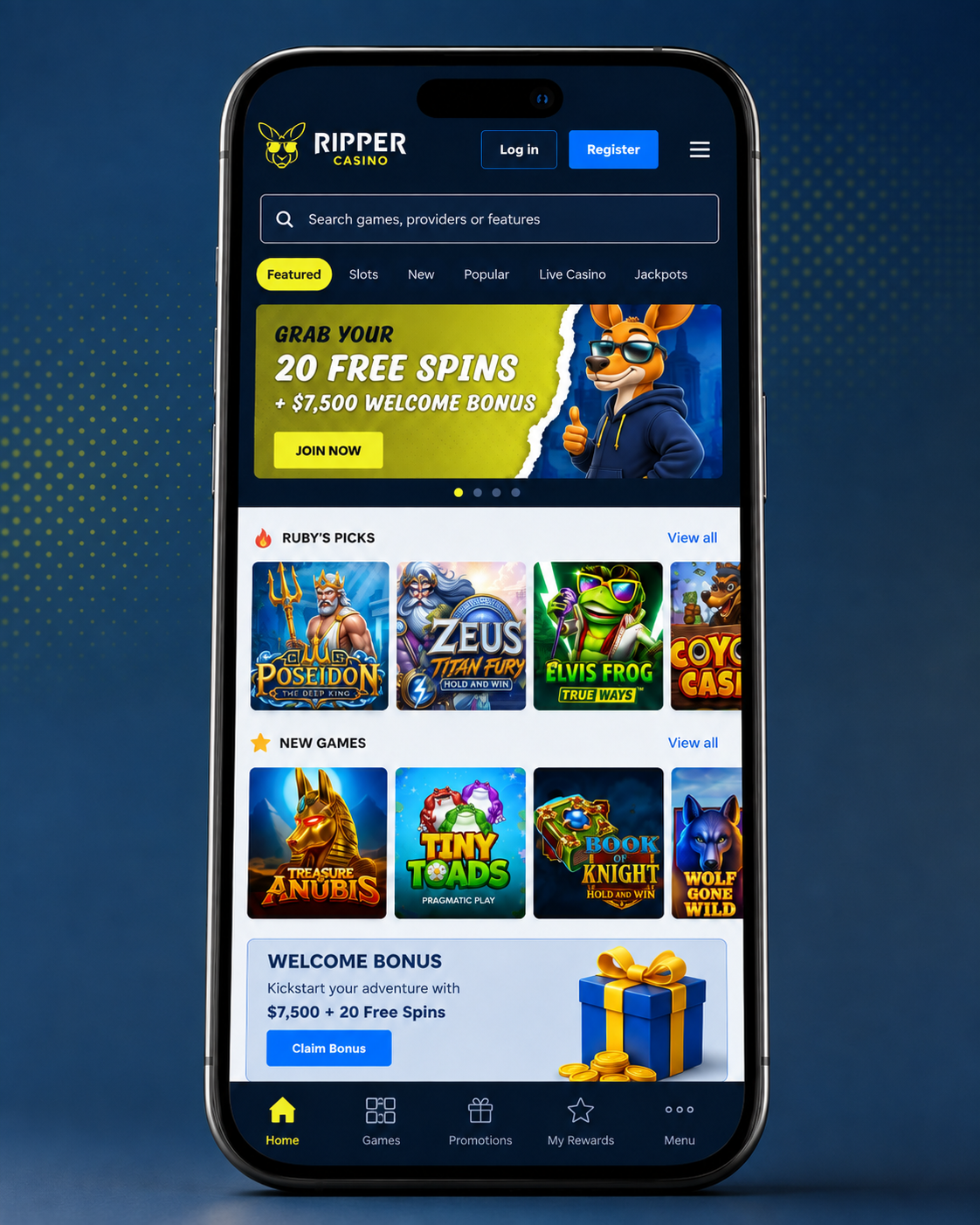
App Features Australian Players Actually Use
The mobile platform is built around speed and reliability rather than heavy graphics that flatten your battery. Games load in under three seconds on standard Australian 4G, and adaptive streaming adjusts live dealer video quality to your current signal. That kills the mid-hand disconnections that ruin sessions on poorly optimised casino apps when you shift between WiFi and mobile data on the train home.
Android APK Download
Android users get the full native app through a direct APK download. The file installs outside Google Play because gambling apps face restricted distribution on official marketplaces in Australia and most other regions. The APK weighs roughly 68MB and needs Android 6.0 or newer.
Before downloading, open device Settings, then Security, and enable "Install from Unknown Sources" or "Allow from This Source" depending on your Android version. This lets your phone install applications from outside the Play Store. Downloading directly from the verified Ripper Casino domain is safe — just don't leave the permission enabled for random sites afterwards.
Once the APK finishes downloading, tap the notification or find the file in your Downloads folder. Select Install and grant permissions for notifications, storage and network access. The icon appears on your home screen within 30 seconds, labelled "Ripper Casino" with the kangaroo logo. First launch runs a quick verification check, then you log in with existing credentials or register a new account straight from the mobile interface.
iOS Home Screen Install
Apple's App Store policies block real-money gambling apps in most jurisdictions, so Ripper Casino provides iOS players with a progressive web app that behaves like a native download. It runs through Safari and installs to your home screen with its own icon and full-screen display that hides the Safari navigation bars entirely.
Open Safari on your iPhone or iPad and go to the Ripper Casino site. Tap the Share icon at the bottom of the screen — the rectangle with the upward arrow — then scroll down and select "Add to Home Screen". iOS creates a shortcut labelled "Ripper Casino" that you can drag anywhere on your home screen or drop into a folder.
Launching that icon opens the casino in a dedicated Safari instance that holds your login session and runs games at native app speed. The web app updates itself whenever Ripper Casino ships new features or games, so there is nothing to manually reinstall. It also skips the 150MB storage footprint typical of native iOS casino apps while delivering identical gameplay.

Claim Your A$7,500 Mobile Welcome Package
Same bonuses, same cashback, same VIP rewards — all from your phone.
Mobile Pokies Selection and Performance
The full 4,000+ library ports to mobile without quality reduction or feature removal. Pokies from Pragmatic Play, NetEnt and Play'n GO run at 60 frames per second on devices from the past four years, with automatic graphics scaling on older handsets that prevents lag and overheating during long sessions. Popular titles like Gates of Olympus, Sweet Bonanza, Big Red and Wolf Gold keep their full volatility and RTP percentages across every device.
Live dealer games get specific mobile optimisation. The app switches to portrait for titles like Lightning Roulette and Crazy Time, placing the wheel or table in the upper two-thirds of the screen with chat and betting controls below. That removes the constant pinch-zooming and scrolling that makes badly built mobile casino interfaces unusable.
Table games including blackjack, roulette and baccarat use touch-friendly chip selectors and betting zone highlighting that prevents misplaced wagers on a small screen. Game speed is adjustable in settings between standard dealer pace and turbo mode, which halves hand duration — handy for a quick session on the commute or a break at work.
Mobile Banking in AUD
The app handles all transactions through the same secure channels as the desktop site. Tap the wallet icon for deposit options including PayID, Osko, Visa, Mastercard, Neosurf, Skrill, Neteller and Bitcoin. Minimum deposit is A$20 across every method, with instant crediting on cards, PayID and e-wallets. Crypto deposits need three blockchain confirmations, usually completing within 30 minutes.
Withdrawals submit directly through the mobile interface with no desktop step required. The app supports fingerprint and Face ID for faster access to banking functions, though password login remains available. Pending withdrawals display in the account section with live status updates as your request moves from pending to approved to processed.
The cashier also shows your current cashback percentage, VIP tier and active bonus balance. You can check wagering progress on any bonus, review transaction history back to your first deposit, and set deposit limits or self-exclusion periods through the responsible gambling controls.
Push Notifications and Alerts
Ripper Casino sends push notifications for deposit bonuses, tournament invitations and cashback availability without flooding your notification tray. The app filters promotional messages to offers worth at least A$75 in bonus value, cutting out the low-value spin promotions that make some casino apps unbearable to leave installed.
Alerts fire when your weekly cashback becomes claimable, calculated around 3:00 AM AEST each Monday against the previous week's net losses. Tournament reminders land 30 minutes before start times for events you've registered for, giving you time to fund the account or wrap up whatever else you're doing.
Security notifications trigger immediately on password changes, withdrawal requests or logins from new devices. These let you spot unauthorised access fast and freeze the account from inside the app without waiting on support.
Data Usage on Australian Networks
Standard pokies gameplay uses roughly 2–3MB per hour, so playing on a metered mobile plan won't burn through your monthly allowance. Live dealer games need more — expect 50–80MB per hour on standard definition streams, or up to 150MB per hour on HD quality if you select it in settings.
The app caches your favourite games after first load, cutting data use on repeat sessions. Thumbnails, paytables and rules load from local storage instead of downloading fresh each launch, reducing initial loading data by around 40% against browser-based mobile play.
Real-money play needs a connection, but you can browse the lobby, read paytables and check promotional terms offline. Demo mode on most pokies works without a connection once the game files cache to your device, letting you test new titles without using data.
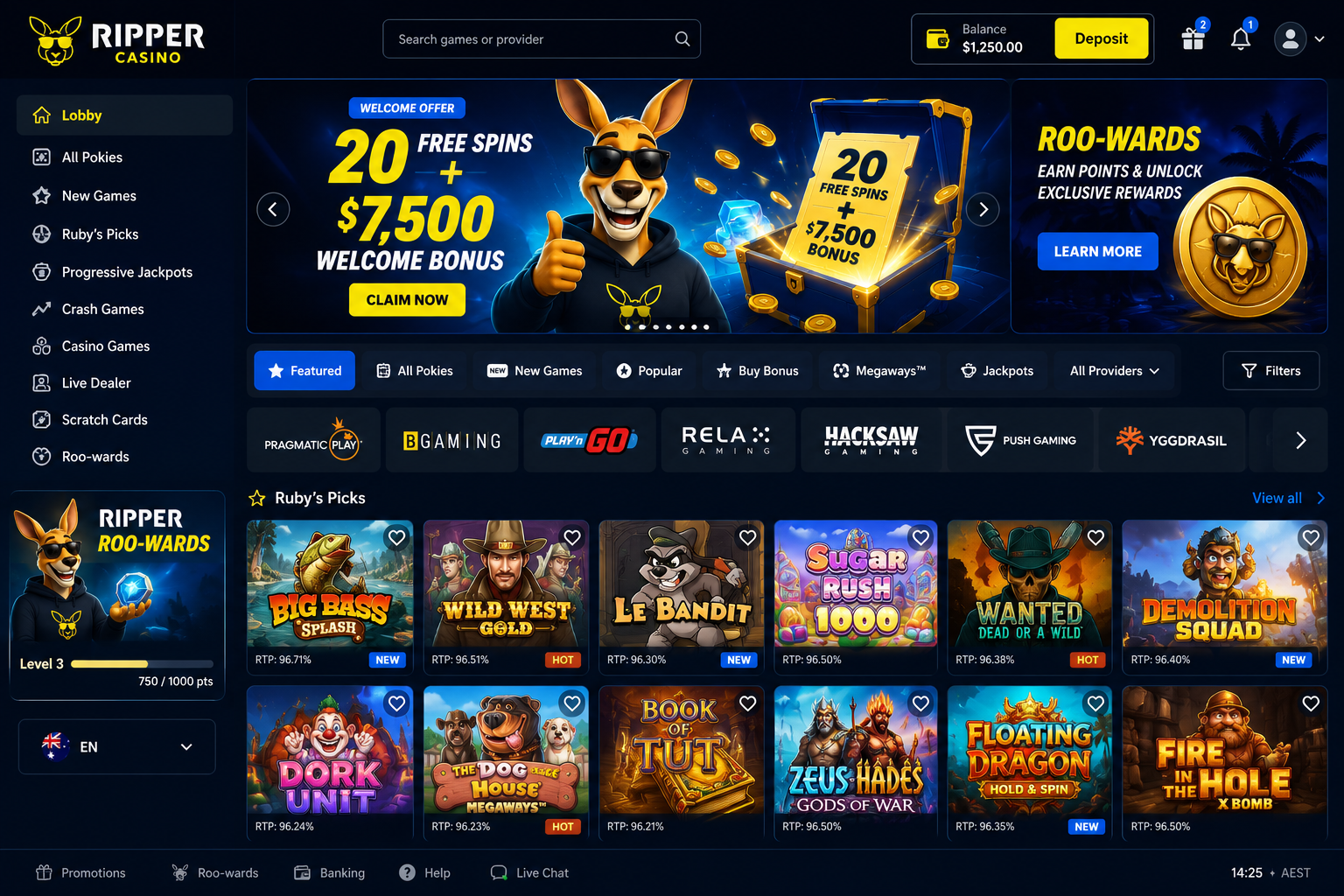
Access 4,000+ Mobile Pokies Today
Download the app and start playing within minutes of registering.
Download and Install in Six Steps
- Open the Official Site — Load the Ripper Casino domain in your mobile browser. The app download links sit in the footer and the promotions section, clearly displayed on both.
- Pick Your Device — Android users tap "Download APK", iOS users select "Add to Home Screen". The system detects your operating system automatically, but both options stay visible for manual selection.
- Allow Installation — Android users enable installation from unknown sources in device security settings. iOS users grant Safari permission to add web apps to the home screen when prompted.
- Complete the Install — Android: open the downloaded APK and tap Install. iOS: tap the Share icon in Safari, choose "Add to Home Screen", then confirm the shortcut.
- Log In or Register — Launch the new icon, then sign in with existing credentials or register by entering your email, username, password, Australian address and AUD as your currency.
- Make Your First Deposit — Open the cashier, choose PayID, Osko, card or crypto, enter an amount between A$20 and A$6,000, and confirm to trigger the 250% welcome match instantly.
App or Browser — Both Deliver Full Access
The app loads faster than browser play, most noticeably when launching live dealer games or HD pokies. App users see 30–40% faster game initialisation because core files cache locally instead of downloading fresh each session. It also holds your login state indefinitely unless you sign out manually, so no repeated credential entry.
Browser play needs no installation and works immediately from any device. Players who share phones or switch between handsets tend to prefer it since there is no app management or storage cost. Browser sessions also update to the latest casino version automatically with no APK reinstall.
Both routes reach identical game libraries, bonuses and AUD banking options. Daily players usually favour the app for speed and persistent login; occasional players lean browser for flexibility. Neither limits what you can claim or withdraw.
Device Requirements
The Android APK needs version 6.0 (Marshmallow) or newer, covering roughly 95% of Australian Android handsets in use. It runs on phones and tablets with 2GB RAM minimum, though 3GB or more keeps live dealer sessions smoother. Resolution support spans 720p budget devices through 1440p flagships with automatic interface scaling.
iOS needs an iPhone 6S or newer running iOS 12.0 or later. The web app works equally well on iPad, switching to a grid layout for larger screens rather than the single-column mobile view. Safari 12+ is required for full compatibility including push notifications and home screen installation.
Both platforms handle landscape and portrait with instant rotation. Live dealer tables and some video pokies work better in landscape due to interface layout, but every title remains fully playable either way.